Follow a visual mood.
Browse categories and preview templates before choosing your next direction.
Find a visual world you love. Bring a photo, choose a template, or write your own direction — and see where it takes you.
AI photo-to-video · Templates · Custom prompts
Move between ready-made visual templates and your own custom prompts. Keep the creative direction in your hands.
Explore visual templates or describe the scene, action and style you have in mind.
Use one photo or a supported two-photo setup. Frame your image before continuing.
Review your creation in the app and keep favorite templates and prompts close for your next idea.
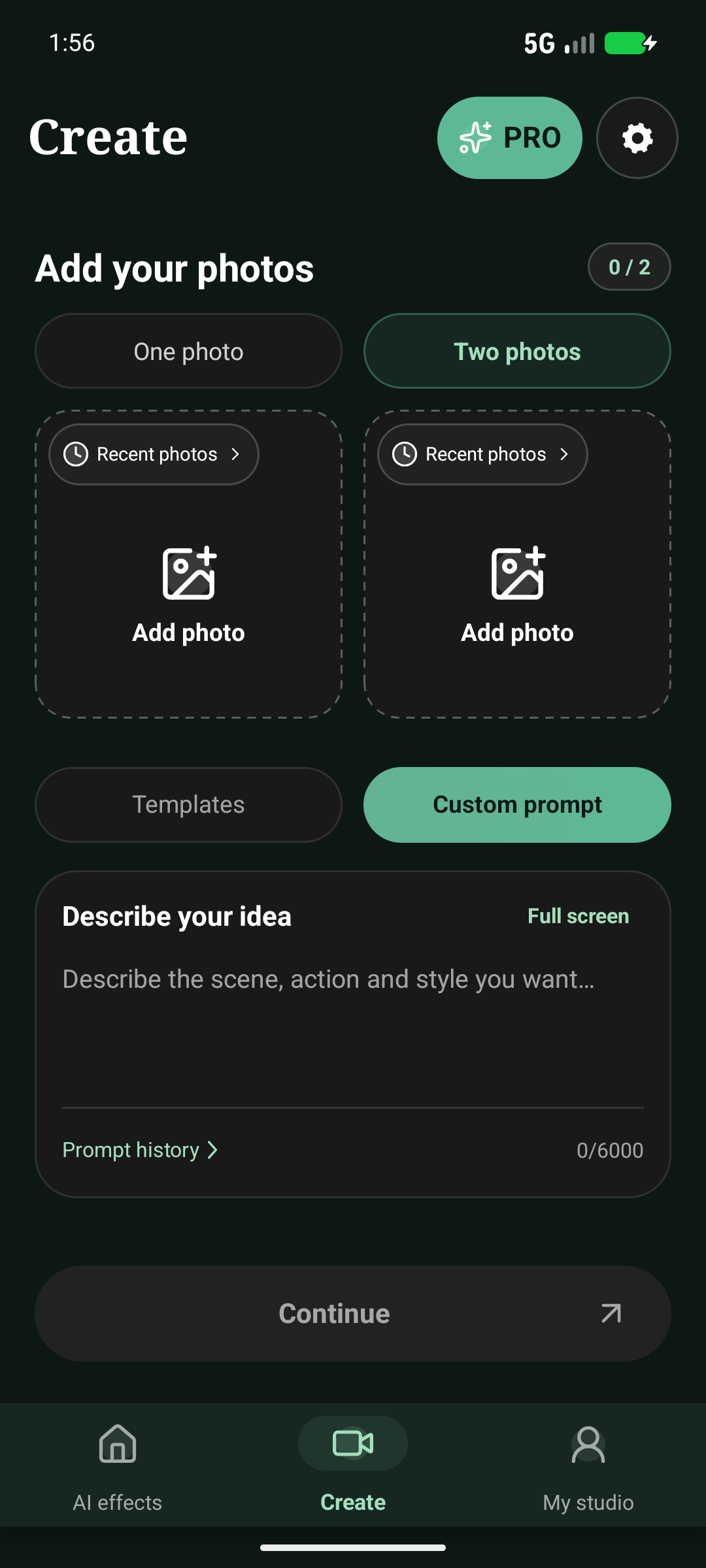
You don’t have to start the same way every time. Your creative workspace is ready for both.
Browse categories and preview templates before choosing your next direction.
Describe the scene you imagine and pair your prompt with the photos you choose.
Revisit saved prompts, favorite templates and your creations in one app.
What to know about the app, your photos, and purchases.
Start with a visual template or a custom prompt, add one or two photos where supported, and create an AI video. Your studio brings saved prompts, favorites and creations together.
Contact us using the email below for current availability. A verified store link will be added here when available.
Creation may require credits or an active subscription. Review the current Google Play checkout in the app for localized prices, renewal terms and available plans. Separate credit packs require an active subscription.
Selected photos and prompts are sent to the creation service when you submit a generation. The app also keeps local drafts to let you continue editing. Read the Privacy Policy for the full details.
Manage or cancel a Google Play subscription through your Google Play account. Deleting the app does not cancel a subscription. Contact support for app issues; refund eligibility is governed by the applicable store terms and law.
App availability, account questions or creative feedback — reach our support team.
Contact Loody towaki.komatsu32@gmail.com